
Integrations
Connect Contact Form 7 to your lead workflow and verify what happens after submission.
-

Contact Form 7 Special Mail-Tags: Add Useful Submission Context
Add useful CF7 notification context with special mail-tags. Check page, user and Flamingo conditions, then verify the rendered values.
-

Contact Form 7 Hidden Fields: Carry Useful Context Without Treating It as Secret
Carry useful context through CF7 hidden fields, map it into mail and lead systems, and test values without treating browser data as trusted.
-
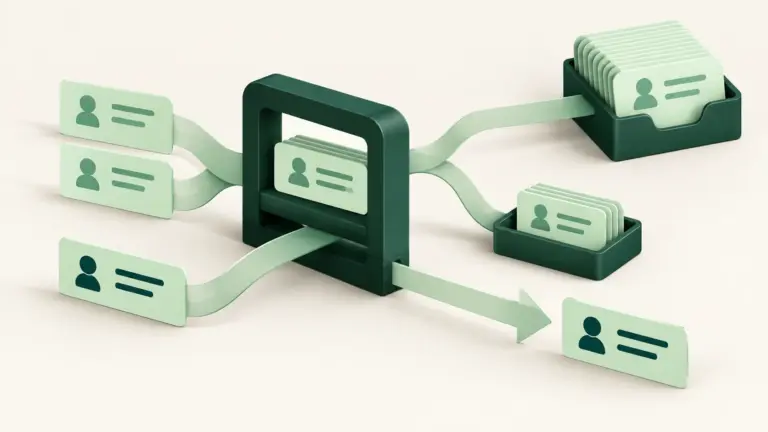
Contact Form 7 Duplicate Submissions: Trace and Prevent Repeated Leads
Diagnose duplicate CF7 emails, analytics events and CRM records, then design retry-safe lead workflows without discarding genuine repeat inquiries.
-

Connect Contact Form 7 to Zapier with a Webhook: Map, Test and Maintain
Connect CF7 to Zapier using a webhook, map fields, verify the destination record and plan for errors, duplicates and ownership changes.
-

Contact Form 7 to Google Sheets: Map, Test and Maintain Your Lead Sheet
Connect Contact Form 7 to Google Sheets with matching field names, a controlled test, duplicate checks and a practical routine for maintaining your lead sheet.
-

Contact Form 7 to Notion: Build a Reliable Inquiry Workflow
Connect Contact Form 7 to a Notion inquiry database with a clear field map, a tested handoff, and a plan for permissions, failures and duplicate records.
-

Contact Form 7 to Airtable: Map, Test and Track New Inquiries
Plan a Contact Form 7 to Airtable integration with correct fields, scoped access, duplicate handling and checks that confirm each inquiry reaches your team.