
Integrations
Connect Contact Form 7 to your lead workflow and verify what happens after submission.
-

Contact Form 7 Webhooks: Distinguish Request Compression from Response Negotiation
Match gzip request bytes to Content-Encoding, distinguish Accept-Encoding and keep decoded size limits and receiver outcomes explicit.
-

Contact Form 7 to Google Sheets: Address A1 Ranges Without Name Ambiguity
Distinguish sheet titles, named ranges and bare cell coordinates before reading or changing a bounded Contact Form 7 reporting area.
-

Contact Form 7 JSON Handoffs: Reject Repeated Object Keys Before Mapping
Detect repeated JSON object members before schema validation or CRM mapping discards evidence, with a small Python decoder and clear retry handling.
-

Contact Form 7 to Google Sheets: Clear Old Report Values Without Shifting Cells
Clear a bounded reporting area with the Sheets API while preserving formatting, excluding formulas and distinguishing empty values from skipped inputs.
-

Contact Form 7 to Google Sheets: Record Where an Append Actually Wrote
Use Google Sheets append receipts to distinguish the previous table from written cells, verify row counts and reconcile uncertain retries without guessing.
-

Contact Form 7 to Google Sheets: Read Short Rows Without Shifting Answers
Reconstruct bounded Google Sheets value ranges with trailing empty cells, preserving column positions and separating blank cells from missing lead records.
-

Contact Form 7 to Google Sheets: Find Lead Rows with Developer Metadata
Attach an opaque inquiry reference to a Google Sheets row, search its metadata and read matching values without relying on an old row number.
-
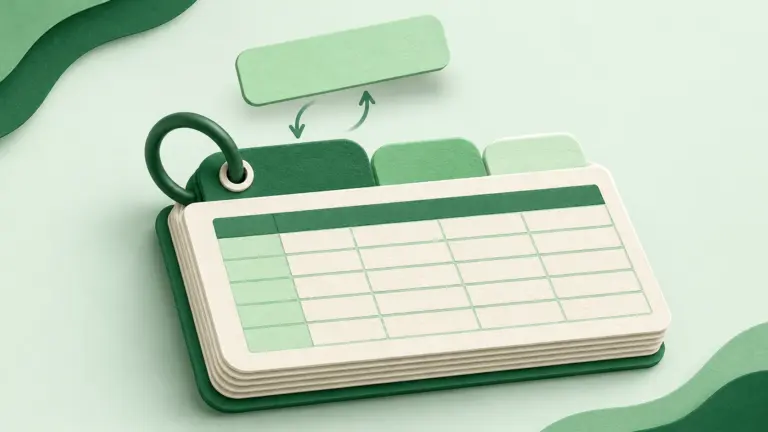
Contact Form 7 to Google Sheets: Keep the Right Tab After a Rename
Separate spreadsheet IDs, sheet IDs and tab titles in a Contact Form 7 connector, then handle renames, reordered tabs and replacement sheets deliberately.
-

Contact Form 7 to Google Sheets: Apply Related Report Changes Together
Use Google Sheets batch updates to apply a CF7 report’s values and formatting together, with explicit fields, safe retries, and a controlled test.
-

Contact Form 7 to Google Sheets: Read Date Serials and Text Correctly
Read both formatted and unformatted Google Sheets values and keep Contact Form 7 calendar dates, local times, and timestamps distinct.
-
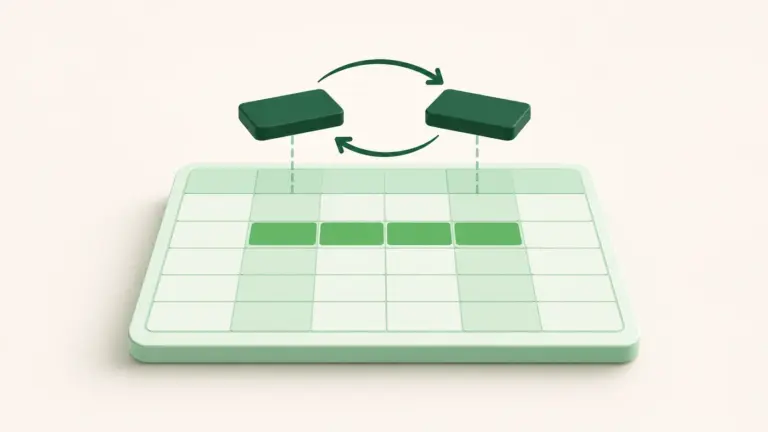
Contact Form 7 to Google Sheets: Prevent Misaligned Columns
Keep Contact Form 7 values in the correct Google Sheets columns by verifying the intake header, append range, and synthetic test rows.
-

Contact Form 7 to Google Sheets: Protect Formulas Without Blocking Intake
Separate incoming Contact Form 7 rows from editable workflow data and protected formulas, then test the actual Sheets connector identity.