
Advanced Analytics for Contact Form 7
Track, analyze, and improve your Contact Form 7 performance — directly inside WordPress.
🔒 Privacy-friendly
All data is stored locally in your WordPress database.
⚡ Lightweight & Fast
No impact on Contact Form 7 email delivery or site performance.
🧩 Built for CF7
Designed specifically for Contact Form 7 users.
Everything you need to understand your forms
📈 Form Insights
See exactly how each form performs over time, including totals, averages, and trends.
📊 Visual Analytics
Clean charts and KPIs help you spot patterns and opportunities instantly.
📁 CSV Export
Export your analytics data anytime for reports, backups, or clients.
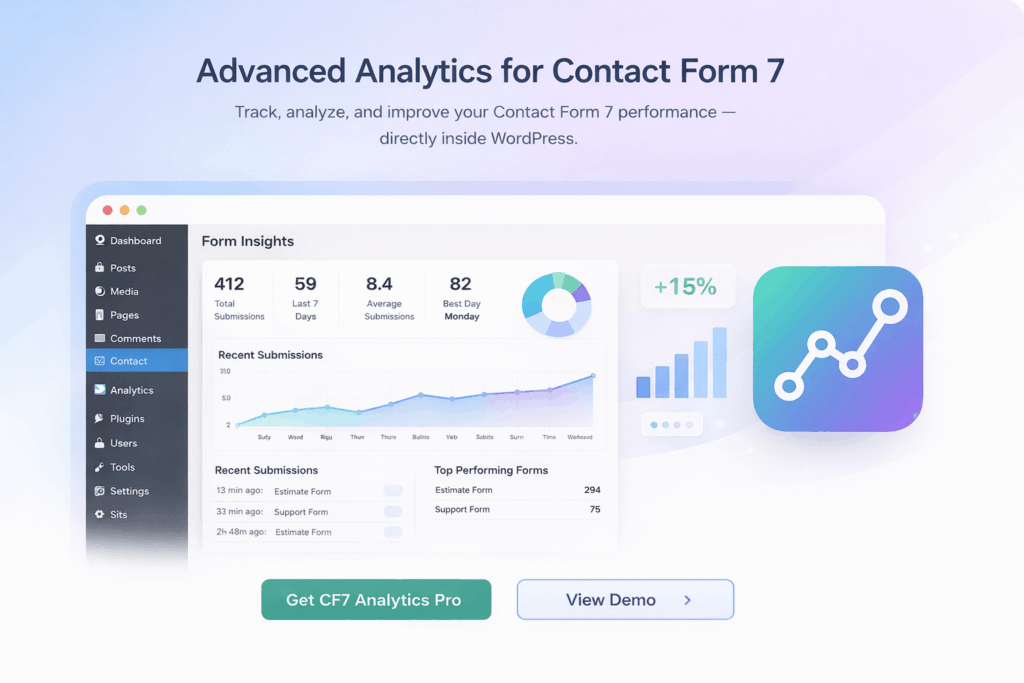
Powerful Form Insights Dashboard
View detailed analytics per form, including total submissions, average submissions per day, best performing day, and trend direction.
How it works
1
Install & Activate
Install CF7 Analytics Pro and activate your license.
2
Collect Submissions
Form submissions are tracked automatically in the background.
3
View Analytics
Open your WordPress dashboard and see insights instantly.
Simple pricing, no surprises
Plans start at $29 per year, including updates and support.
Frequently Asked Questions
Does this affect Contact Form 7 email delivery?
No. CF7 Analytics Pro does not interfere with email sending in any way.
Where is my data stored?
All analytics data is stored locally in your WordPress database.
Is there a free version?
Yes. A free version is available with basic analytics.
Can I upgrade or change plans later?
Yes. You can upgrade or change your license at any time.
Start tracking your Contact Form 7 performance today
Get clear insights, improve conversions, and make data-driven decisions.