
Guides
Understand Contact Form 7 reporting, form performance and testing with practical, carefully explained guides.
-
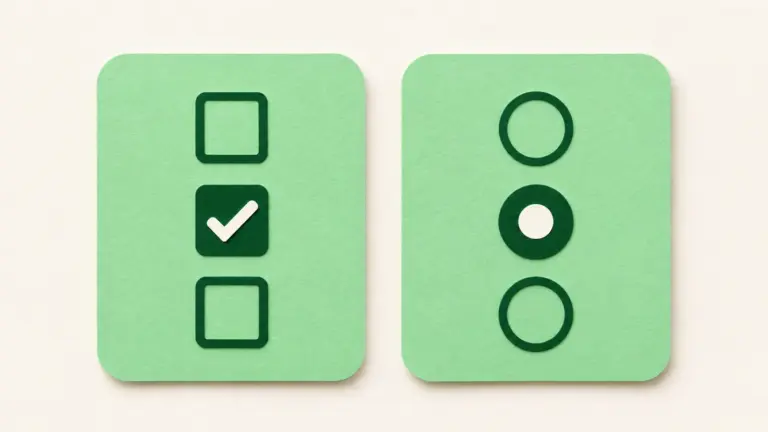
Contact Form 7 Exclusive Checkboxes: Test Optional Single Choices
Choose between an optional exclusive checkbox group and a required single choice, then test what your Contact Form 7 workflow receives.
-

Contact Form 7 in GA4: First User vs Session Acquisition
Use the right GA4 source dimension to explain which channels first attracted users and which sessions were associated with Contact Form 7 events.
-

Contact Form 7: Test a Rolling Date Window Across Midnight
Set relative limits for a Contact Form 7 date field and test fresh markup, cached pages, and old browser tabs after the business date changes.
-

Contact Form 7 in GA4: Verify Events in DebugView and Realtime
Verify a Contact Form 7 event on one debug device, then confirm ordinary collection in Realtime and check the processed GA4 report.
-
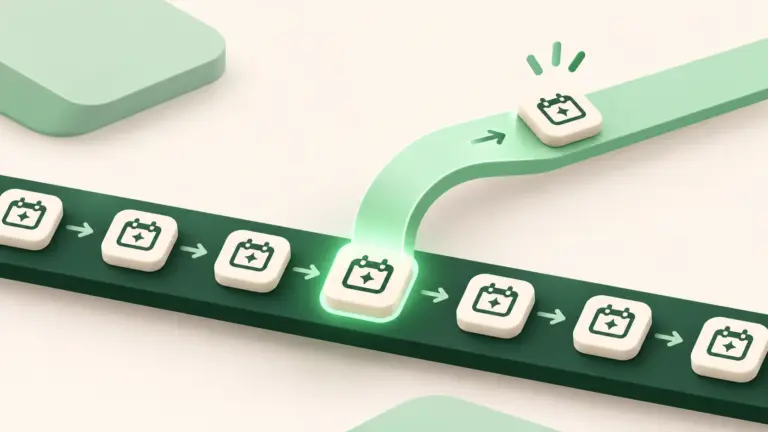
Contact Form 7 in GA4: Create a Key Event for One Form
Create a GA4 key event for one Contact Form 7 form while preserving the original event and checking the effect on conversion reports.
-

Contact Form 7 Leads: Measure First Human Reply During Business Hours
Define the clock, first qualifying reply and denominator for a Contact Form 7 response SLA, including leads that have not been answered.
-

Contact Form 7 GA4 Dashboards: Compare Weeks With Withheld Rows
Build a comparable weekly Contact Form 7 scorecard when GA4 withholds some rows, and decide which totals and changes you can report.
-

Contact Form 7 Email Replies: Test Routing and Conversation Threads
Check the Reply-To address and message identifiers separately when Contact Form 7 replies split or land in the wrong conversation.
-

Contact Form 7 Upload Size Limits: Test the Form, PHP and Request Body
Set an explicit Contact Form 7 file limit, budget for the complete multipart request and identify which layer rejected a staging upload.
-

Contact Form 7 in GA4: Annotate Form and Tracking Changes
Record Contact Form 7 releases in GA4 annotations and compare form events without confusing tracking changes with changes in demand.
-

Contact Form 7 Appointment Times: Handle Repeated and Skipped Local Hours
Turn a requested local appointment into a confirmed instant. Detect repeated or skipped clock times and preserve the chosen zone and offset.
-
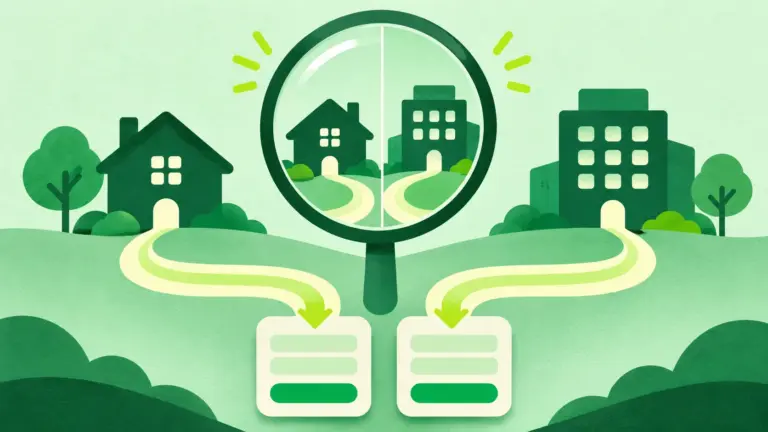
Contact Form 7 in GA4: Split Matching Form Paths by Hostname
Separate identical CF7 form paths across subdomains in GA4. Verify the hostname, event name and counting method before comparing results.