
Guides
Understand Contact Form 7 reporting, form performance and testing with practical, carefully explained guides.
-
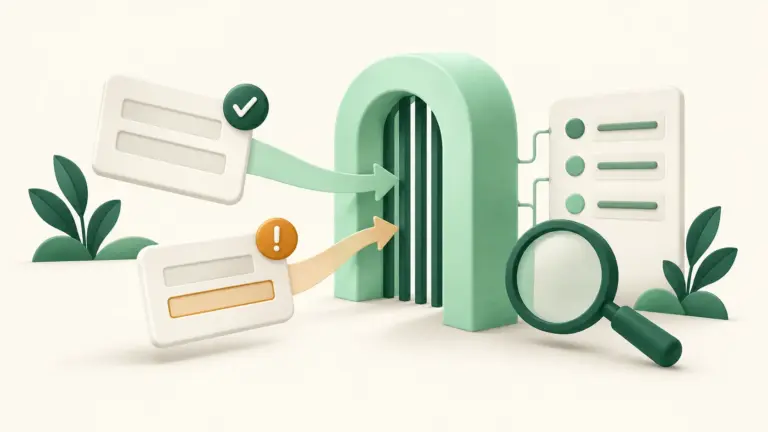
Contact Form 7 Custom Validation: Add and Test a Narrow Business Rule
Add a scoped CF7 custom validation rule, keep normalization separate and test accepted, rejected and corrected answers before release.
-

Contact Form 7 Dropdowns: Configure Prompts, Defaults and Reports
Configure CF7 dropdown prompts, required selections and defaults. Test notifications and category mappings before relying on the resulting reports.
-

Contact Form 7 Textarea Limits: Collect Enough Detail Without Losing Messages
Set useful CF7 textarea length limits, explain them clearly and test long messages through notifications, mobile forms and connected records.
-

Contact Form 7 Checkboxes and Radio Buttons: Configure Choices and Mail Output
Configure CF7 checkbox and radio groups, review defaults and mail output, and test single or multiple selections before mapping inquiry answers.
-

Contact Form 7 Number Fields: Set Bounds and Test Numeric Answers
Configure CF7 number fields with clear units, bounds and steps. Test blank, decimal and boundary answers before mapping them into lead records.
-
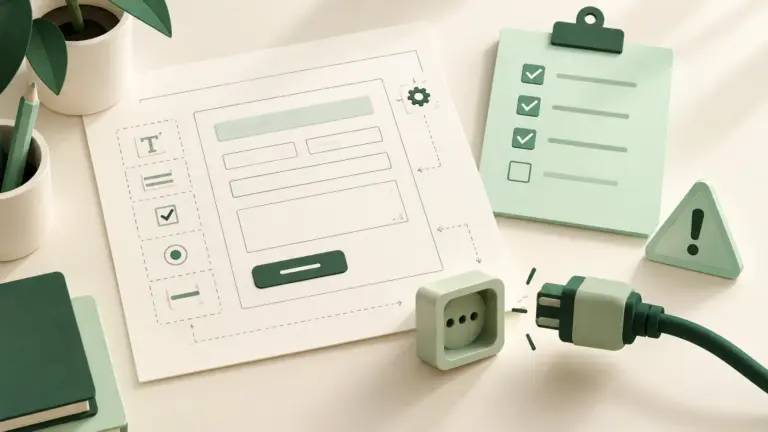
Contact Form 7 Configuration Errors: Review Warnings and Verify the Fix
Review CF7 configuration warnings, correct the affected field or mail setting, and verify the result separately from live submission and inbox delivery.
-

Contact Form 7 Date Fields: Set Ranges, Format Mail and Test the Result
Configure CF7 date fields, ranges and formatted mail-tags, then test browser behavior and destination values without promising a reserved appointment.
-

Contact Form 7 Spinner Not Stopping: Diagnose the Request Before Changing Email
Trace a stuck CF7 spinner through browser scripts, network responses and REST access, then verify the repair without hiding the underlying failure.
-

Contact Form 7 Acceptance Checkbox: Configure, Test and Report It Correctly
Configure required or optional CF7 acceptance fields, test acceptance_as_validation, preserve the intended choice and keep reporting definitions clear.
-

Contact Form 7 Thank-You Page: Redirect After a Successful Submission
Create a useful CF7 thank-you page, scope the redirect to the right successful form, test failure paths and avoid counting page reloads as leads.
-

Contact Form 7 Mail (2): Set Up a Useful Autoresponder
Configure a CF7 acknowledgment email, use the right sender and reply addresses, test both messages and measure human follow-up separately.
-

Route Contact Form 7 Inquiries to the Right Department with Pipes
Route CF7 inquiries with a required department menu and pipe syntax, preserve readable categories, and verify every recipient and reporting value.