
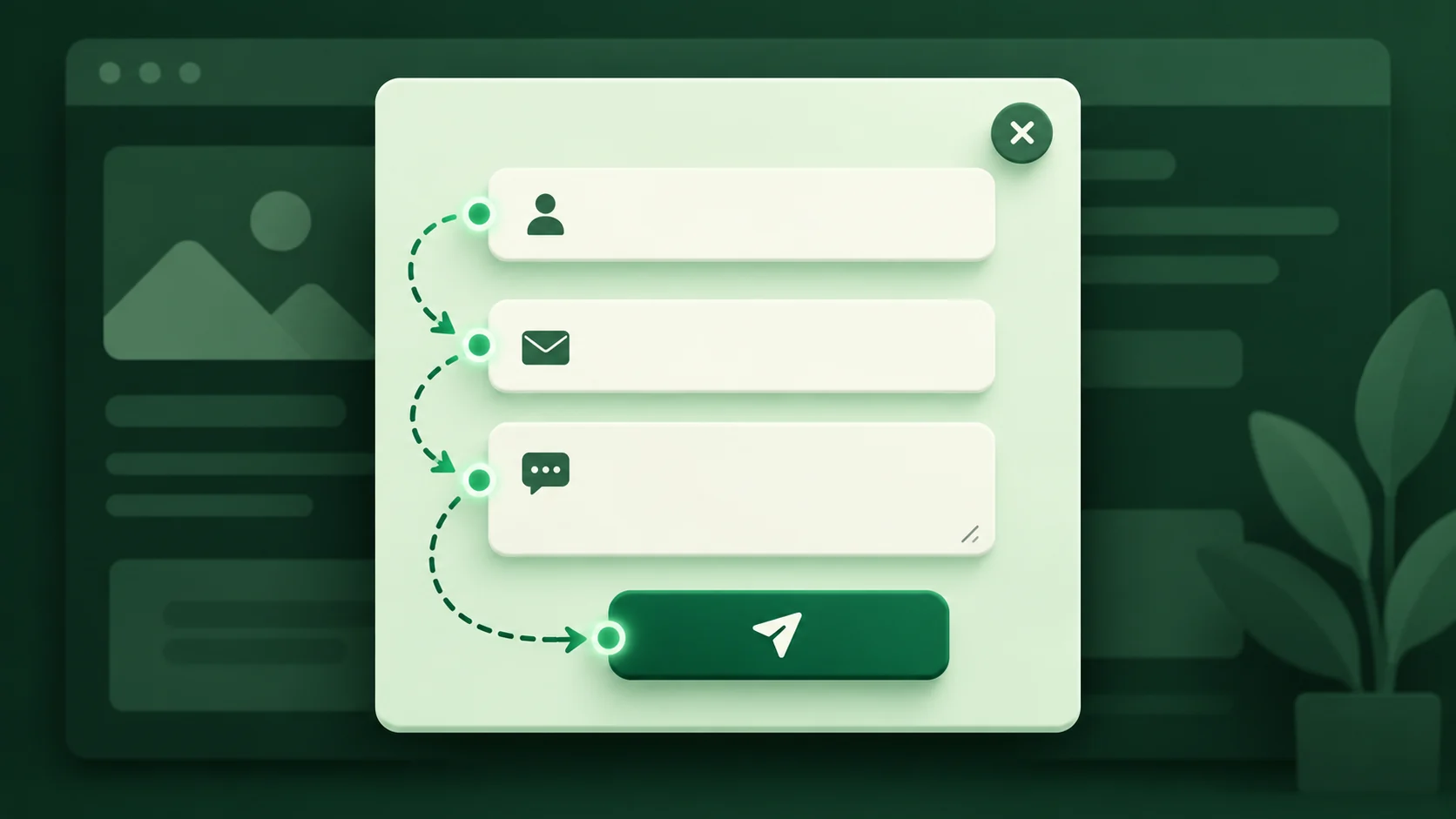
A Contact Form 7 form can sit inside a modal dialog, but hiding the form behind an overlay introduces a second interaction system. The dialog controls opening, closing and keyboard focus; CF7 controls validation and submission feedback. A reliable implementation lets each system do its job and keeps the complete form, including its response area, inside the dialog.
This guide provides a review and staging procedure, not a claim that a particular popup plugin has been tested. Start with a form that already works on an ordinary page. If that baseline fails, resolve the request problem before adding a modal.
Choose a predictable rendering lifecycle
The simplest arrangement renders the CF7 shortcode or block as part of the initial page and places its output inside a dialog that is initially closed. CF7 can then discover the form during its normal page initialization. The dialog changes visibility without replacing the form node. Use the shortcode copied from the form’s editor, and confirm that the page actually processes it rather than displaying literal shortcode text.
Some popup builders fetch content after the visitor clicks a button. Others clone an existing hidden section every time they open. Those are different lifecycles. Before selecting one, ask how it initializes CF7, whether it preserves the original DOM node, and how it prevents duplicate listeners. A rendered input is not evidence that AJAX validation and feedback have been initialized. Do not repeatedly call initialization on an already initialized form as a general repair.
Keep the dialog outside other forms
A dialog is a container, not an extra form. CF7 generates its own form element. Do not wrap the shortcode in a second form or place the entire dialog inside a search, checkout or newsletter form. Invalid nesting can change which form owns the controls, and browsers may repair the source into a different DOM structure.
The following is a structural sketch for a page template. The comment represents the server-rendered CF7 output; it is not an executable embedding recipe:
<button type="button" id="open-inquiry">Ask a question</button>
<dialog id="inquiry-dialog" aria-labelledby="inquiry-heading">
  <h2 id="inquiry-heading">Ask a question</h2>
  <button type="button" id="close-inquiry">Close</button>
  <!-- Render one CF7 block or shortcode here. No extra form wrapper. -->
</dialog>
Implement the open and close actions through your theme or dialog component. The native dialog API offers showModal() and close(); displaying the element with CSS alone does not reproduce all modal behavior. Follow the browser API documentation. Avoid changing the CF7 form to method="dialog": that method closes a dialog without sending its field data through an ordinary submission.
Make keyboard behavior part of acceptance
Give the opening control a clear name and the dialog a visible heading. Decide where initial focus should land. A short inquiry form might begin at its first useful field; a longer explanatory dialog may need a different starting point. Check the actual interaction instead of assuming the first focusable element is always appropriate. Include an explicit close button with type="button" so it cannot accidentally submit the form.
Open the dialog using only a keyboard. Tab through every field, the submit control and close control; reverse direction with Shift+Tab. Check that background controls cannot be activated while the dialog is modal. Press Escape and verify where focus returns. If the opening control disappears after a layout change, provide a sensible focus destination rather than leaving the visitor stranded.
Native dialogs provide useful browser behavior, but that does not certify your completed form. Review labels, descriptions, contrast and validation announcements using the screen reader checking workflow.
Keep feedback visible until it has been understood
Do not close the dialog merely because the submit button was clicked. Validation might reject an answer, spam protection might stop the request, or mail handling might fail. The visitor needs the response inside the open dialog, near enough to reach and read. A generic submit event is not a success signal.
If your design eventually closes after success, scope the handler to the correct form and use the documented wpcf7mailsent outcome. Even that event does not prove inbox arrival. Allow enough time for the visitor to perceive the message, and decide what happens if they close the modal while a request is still pending. Closing a dialog is not a documented cancellation mechanism for the network request.
Also decide whether reopening preserves answers or resets them. Avoid discarding a long message simply because a visitor pressed Escape. If you deliberately clear fields, test the reset behavior, validation state and any third-party widgets together.
Check the narrow mobile viewport
Use a real small-screen browser or a responsive viewport, then repeat with the on-screen keyboard. The dialog should permit its contents to scroll without hiding the close control or trapping the submit button below an inaccessible area. Test long error text, a large text size, landscape orientation and a long pasted message. Avoid a fixed height based only on your desktop screenshot.
Check unique input IDs when the same inquiry form also exists elsewhere on the page. Cloning markup can duplicate label targets and dialog IDs. Inspect the rendered DOM and actual control ownership; the nested-form guide explains the distinction between source markup and the browser’s repaired structure.
Verify reporting separately from dialog interactions
In an isolated staging environment with controlled mail handling, check an empty required field, an invalid address, an accepted submission and a deliberate mail failure. Reopen after each case and confirm that one action creates one intended request. Log event names and form identifiers rather than personal answers. Opening the modal, submitting CF7 and qualifying a lead are three different events; do not combine them into one conversion count.
For submission statistics after the interaction works, consider our free Svetlik Analytics for Contact Form 7 plugin. This is our product’s site. Submission reporting does not establish modal views, visitor abandonment, keyboard accessibility or inbox delivery; those require their own evidence.