
A custom Contact Form 7 integration may need to turn an HTML acknowledgment or internal report into searchable plain text. A single line of extracted words can make a notification unreadable, while including every link can expose a token or a personal identifier. Start with the shape of the message you need, then choose between a configurable text converter and a parser that lets you select and format specific fields.
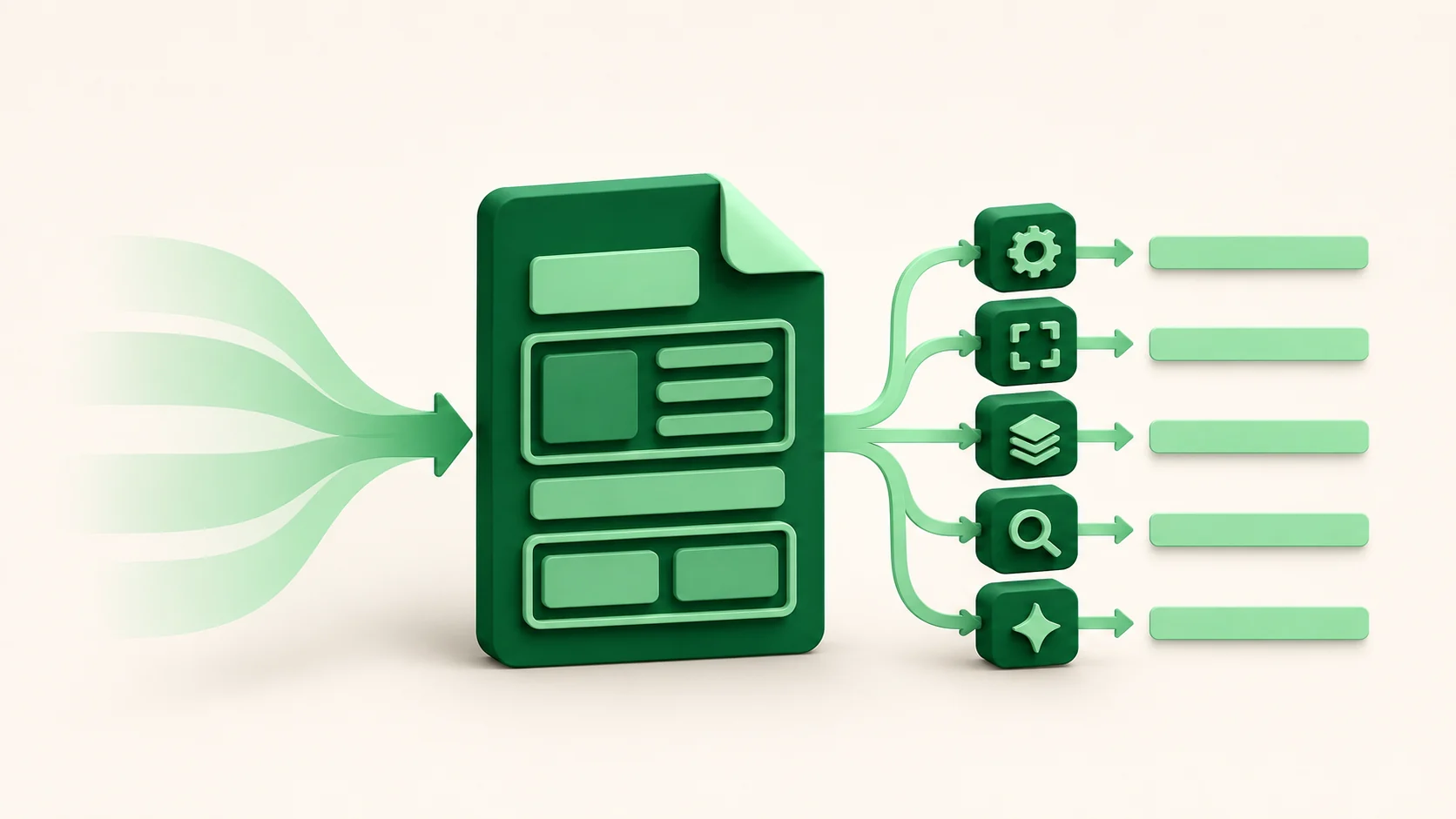
Compare five approaches
| Tool | Runtime | Output approach | Check before adopting | License |
|---|---|---|---|---|
| html-to-text | Node.js | Configurable plain-text conversion | Configure links, selectors and wrapping | MIT |
| html2text | Python and CLI | Markdown-formatted text conversion | Consumers will see formatting markers unless they render Markdown | GPL-3.0 |
| jsoup | Java | Select markup and retrieve text | Specify layout and link extraction yourself | MIT |
| Beautiful Soup | Python | Select and extract from a parser tree | Pin the parser and test malformed fragments | MIT |
| Nokogiri | Ruby | Parse fragments and select nodes | Choose a parser mode and handle line breaks | MIT |
All five options are open source with no per-message charge for the packages shown. Integration, hosting and support costs depend on how you deploy them. These tools work on HTML you give them in a custom pipeline. They do not require a change to the CF7 mail template and they do not control email delivery. If your connector already has structured form fields, assembling a text message directly from approved fields is often simpler. HTML extraction is useful when HTML is the available source or you need a consistent preview of an existing template.
html-to-text
html-to-text is a Node.js converter that offers selectors, formatters and wrapping options. You can give sections different formatting rules, turn headings and line breaks into a predictable text layout, and choose whether a link displays its target. Its selector settings let a team limit conversion to a report body or skip known decorative sections. The project uses the MIT license.
This is a natural fit for a Node worker that receives a family of related templates and needs similar output from each. Review the default formatting before using it in a notification. Long URLs can overwhelm a short preview, and table handling deserves its own fixture because a report table may carry critical label-value relationships. Compile a reusable converter configuration if you repeatedly apply the same rules. Treat recognized links and text as data and allowlist what can leave the worker. See the configuration and formatter reference.
html2text
html2text is a Python package and command-line tool that produces Markdown-formatted text. It can preserve distinctions from the source, such as list items and heading levels, in a portable representation. Project options include ignoring link targets or removing the line-wrap limit. The package’s declared license is GPL version 3. Check the license text and your distribution model before bundling it into software you distribute.
Its output works well when your team reviews Markdown in a repository or feeds it into a consumer that intentionally supports Markdown. A plain text mailbox or an app that displays the raw string may show extra markers. Decide whether a link should appear as a label, appear with a reviewed URL, or be omitted. Then test an HTML template containing both a visible help link and a button whose destination should stay private. Review list nesting and line wrapping in the actual receiving channel. See the project and configuration examples.
jsoup
jsoup offers HTML parsing and selector-based extraction in Java under the MIT license. For example, select the submitted summary section, then collect text from its individual paragraphs. Element.text() returns normalized text from an element and its descendants. That behavior suits a compact searchable summary, and a custom traversal can preserve boundaries when the output is intended for human reading.
The same method can flatten structure you intended to retain. Extracting the text of an entire report at once could place a campaign heading beside the wrong count. Select the heading and rows independently when the relationship matters, and carry over link labels without reading their destinations unless the message requires them. Relative URLs need an explicit base when you do resolve them. A small Java service can keep expected output as plain text fixtures alongside the templates and compare both at upgrade time. See the element API and jsoup license.
Beautiful Soup
Beautiful Soup exposes a Python interface for selecting, navigating and editing an HTML tree. It works with a selected parser, and its get_text() method lets a caller configure a separator and trim individual text pieces. The project is MIT-licensed. A reporting job can extract a known summary section by selector, remove unwanted nodes and format the selected blocks in its own output schema.
Pin the parser as part of the application configuration. Different parsers can recover malformed HTML differently, which changes which text nodes belong to a section. Also test a phrase such as an emphasized word followed immediately by punctuation. Joining every text node with a space or newline can disrupt the sentence even though every word was retained. Use block-aware processing where paragraph boundaries matter. Keep the input encoding explicit when the source is uploaded or delivered as bytes. See the parser and text extraction documentation and the package listing.
Nokogiri
Nokogiri fits a Ruby worker that already processes HTML templates or passes summaries to a support system. Its parser and CSS or XPath selectors can isolate paragraphs, rows and headings, including in an HTML fragment. Read the selected nodes’ text content and assemble the line breaks and labels the destination needs. Nokogiri is MIT-licensed, with dependency notices described by the project.
Test the parser mode and platform you deploy. For example, Nokogiri’s HTML5 support is unavailable on JRuby. If your team uses HTML4 parsing or switches modes between environments, keep a fixture with imperfect table markup to detect a changed tree. Treat the conversion as an application format step. The destination may interpret Markdown, mentions or other text syntax, so apply the appropriate escaping or plain-text field when forwarding a constructed message. See the selection tutorial, HTML5 parsing documentation and project and license.
Choose with an expected output in hand
Store each input fixture beside its expected output. Keep one fixture per template version and make the examples safe to share with reviewers. If a report has an icon with a label, decide whether the label belongs in the output and record it explicitly. For scheduled reports, also test empty tables and footer messages. A quiet day may still need a useful notice even when no lead rows were present.
Write the target text first. A synthetic fixture might include a summary heading, a two-item list, one accented name, a multiline message, punctuation around emphasized text, and a link containing a fake token. Decide which fields are allowed in a notification and which stay only in the ticket or report. Test missing sections, long lines and malformed fragments. Check the actual destination preview since it can wrap long words, interpret Markdown or truncate messages.
Use html-to-text for one configurable Node conversion policy, or html2text if Markdown-formatted output suits your Python workflow. Start with jsoup in Java, Beautiful Soup in Python, or Nokogiri in Ruby when you need to select specific pieces and preserve relationships explicitly. If your target is already a chat message, review CF7 Slack formatting. For the upstream template, see CF7 HTML email. To view form trends from the WordPress side, try our free Svetlik Analytics for Contact Form 7 plugin.